
How to Search Hays County Court Records
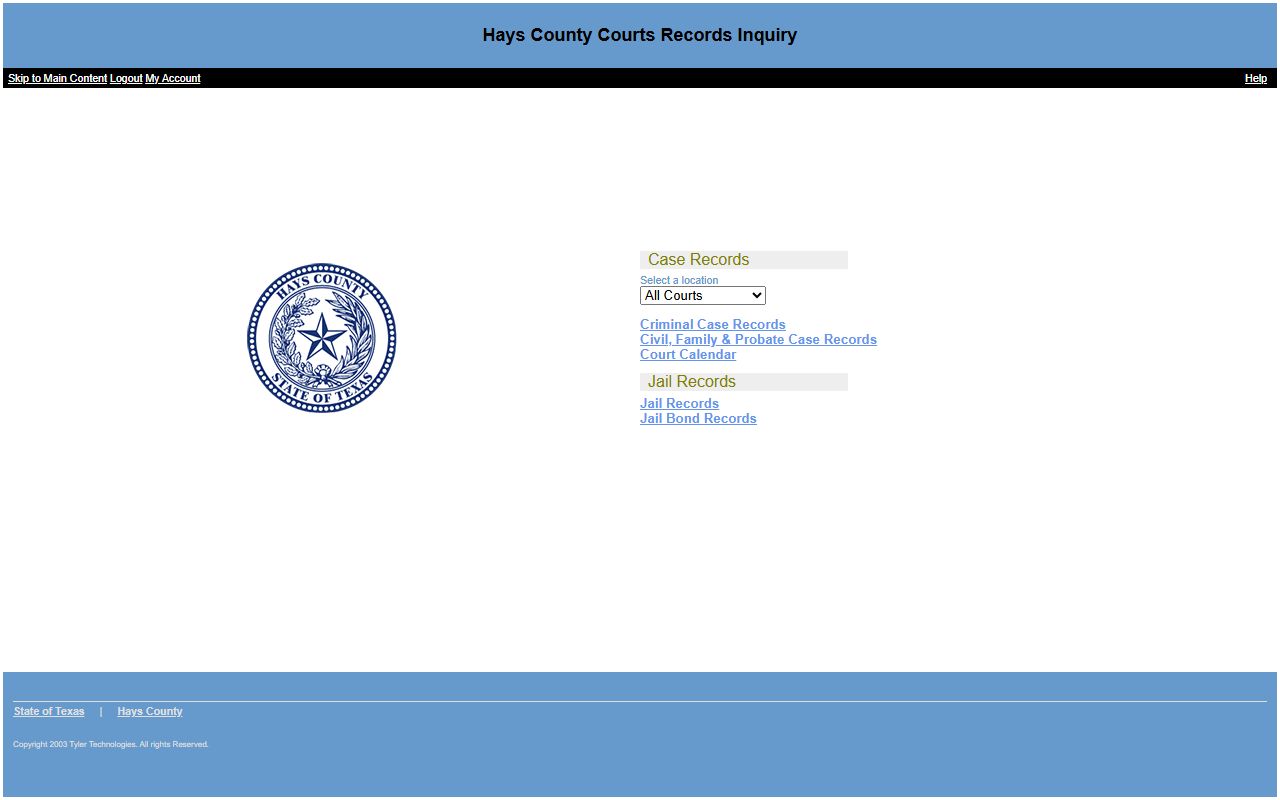
The main tool is Hays County Odyssey Public Access. The launch page, titled "Hays County Courts Records Inquiry," is free to open and splits into Case Records and Jail Records. Under Case Records you can pick Criminal Case Records, Civil, Family & Probate Case Records, or the Court Calendar. A name search costs nothing and returns the parties, cause number, case type, filing date, and case summary.
Get your details ready first. A full name works, and a date of birth trims the list. A cause number jumps straight to the file. The portal also asks you to choose a court location before you run the search, so pick All Courts if you are not sure.
The criminal case search screen is shown below.
You can open it from the Odyssey criminal case records search.
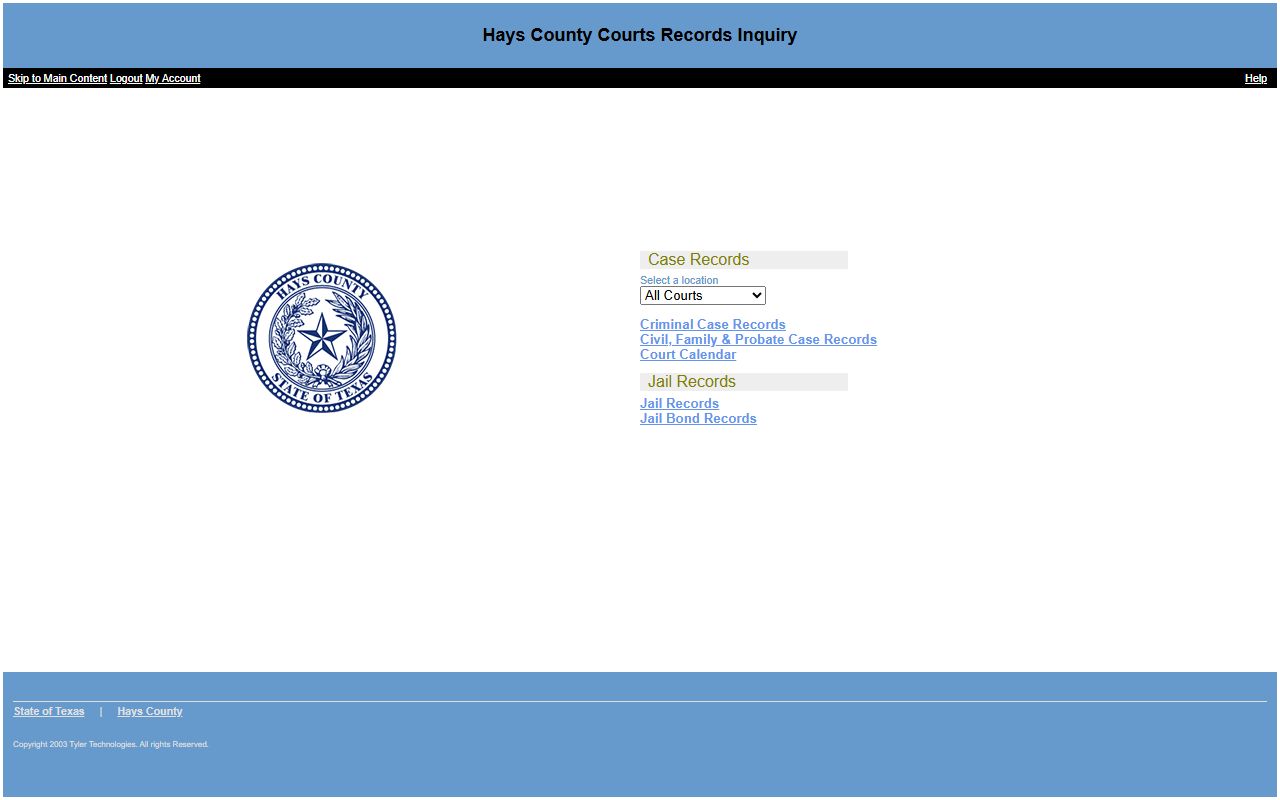
Run a Hays County court records search in these steps:
- Open the Odyssey Public Access launch page and pick a record type.
- Choose the court location, such as All Courts.
- Enter a last name and first name, or a known case number.
- Add a date of birth or a filing date range to narrow results.
- Open the case summary and read the parties, events, and disposition.
- Request a copy from the District Clerk or County Clerk for official use.
Hays County Court Records Search Fields
The Civil, Family & Probate search form gives you several ways in. You can search by case, by party, or by attorney. Name searches accept Soundex, which matches names that sound alike, and you can switch on an exact-match box instead. Date filters and a case category set let you focus on one kind of file.
The civil, family, and probate search form is shown here.
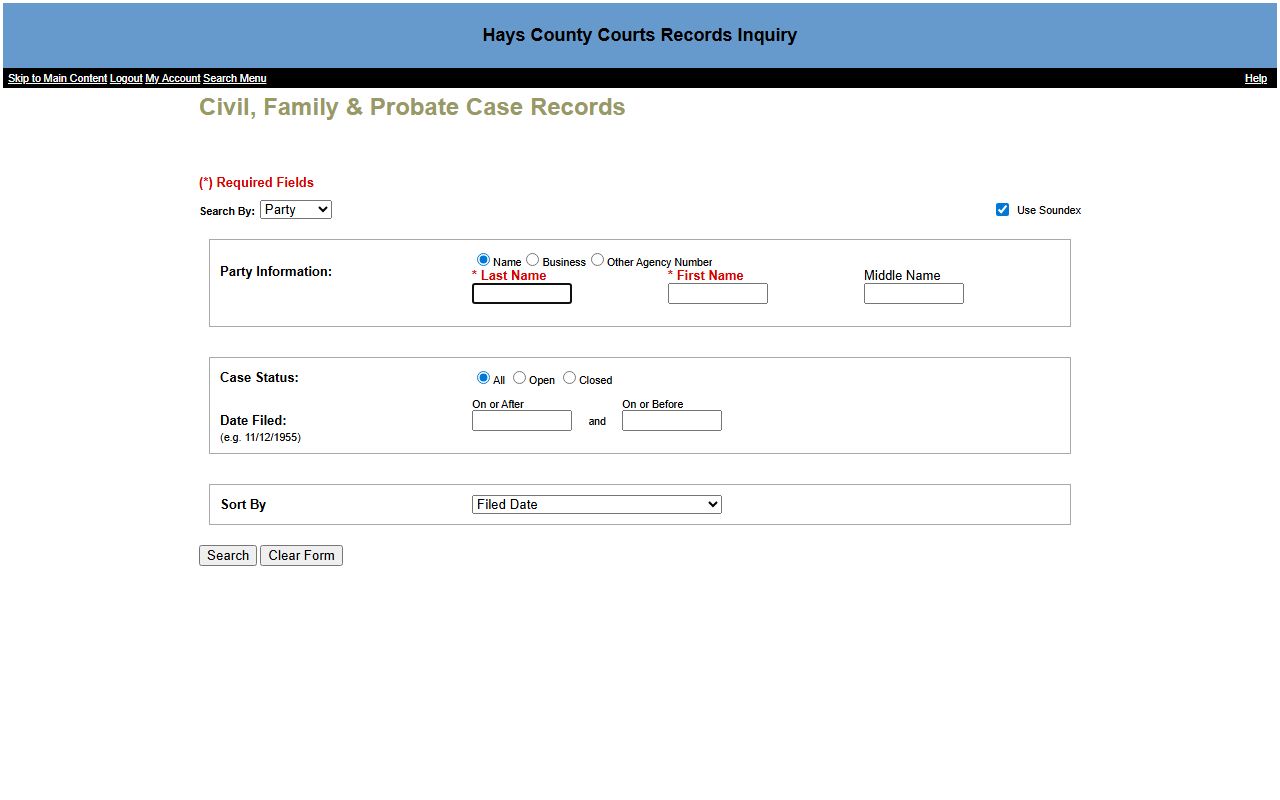
You can reach it from the Odyssey civil, family & probate search. The main fields are listed below.
| Field Label | Type | Required | Notes / Format |
|---|---|---|---|
| Search By | Dropdown | Yes | Case, Party, or Attorney |
| Last Name | Text | Yes (party) | Required for a name search |
| First Name | Text | Yes (party) | Required for a name search |
| Case Number | Text | Yes (case) | Free-text cause or case number |
| Date of Birth | Text | No | Example format 11/12/1955 |
| Date Filed On or After | Date | No | Narrows older cases |
| Case Status | Radio | No | All, Open, Closed |
| Case Category | Checkbox | No | Criminal, Family, Civil, Probate and Mental Health |
| Sort By | Dropdown | No | Case Number, Filed Date, Status |
Types of Hays County Court Records
Court records here break into a few clear groups, and each one lives with a set court and clerk. Felony criminal and family cases go to the District Court and District Clerk. Misdemeanor, probate, guardianship, mental health, and county civil cases go to the County Courts at Law and the County Clerk Courts Division. Justice courts hold fine-only and traffic matters.
Civil county-court files cover money disputes from $10,000 up to $250,000. District civil files have no upper cap. Public access applies to most of these unless a rule, statute, or court order seals the file.
The split matters when you search. If you look for a felony or a divorce, the District Clerk holds it. If you look for a misdemeanor, a will, or a guardianship, the County Clerk Courts Division holds it. The County Clerk also records official public records back to 1848, but those deeds and liens are not court case files. A traffic ticket lives with the justice court that issued it, not with either clerk. Picking the right office first is the single biggest time-saver in a Hays County court records search.
- Criminal case records, felony and misdemeanor
- Civil suits, judgments, and money disputes
- Family and divorce files, held by the District Clerk
- Probate, guardianship, and mental health cases
- Traffic and fine-only cases in the justice courts
What Hays County Court Records Show
A case record is a set of fields plus a list of events. The District Clerk confirms the fields a free name search returns. You see who is in the case, the cause number, the type, the filing date, and the summary. When a case involves a bond, you may also see the bond company and the disposition date.
The table maps the result fields you can expect from a Hays County court records search.
| Field | What It Shows |
|---|---|
| Parties | The people or businesses named in the case. |
| Cause Number | The unique case number the clerk assigns. |
| Case Type | Criminal, civil, family, or probate. |
| Filing Date | The date the case was filed. |
| Case Summary | A short list of the case events. |
| Bond Company | The surety on a bond, when one applies. |
| Disposition Date | The date the case or charge was resolved. |
Note: The free portal shows case summaries, not full documents, so order copies from the clerk when you need the underlying pleadings.
Public Access Framework for Hays County Court Records
Most Texas government records are open. The Texas Public Information Act, in Government Code Chapter 552, gives the public a right to records held by a governmental body unless a law makes them confidential. Court files also follow court rules and sealing statutes. For county records outside the courts, Hays County takes requests through its Office of General Counsel.
Texas trial courts, including those in Hays County, are described by the state judicial branch. That overview helps explain which court keeps which file.
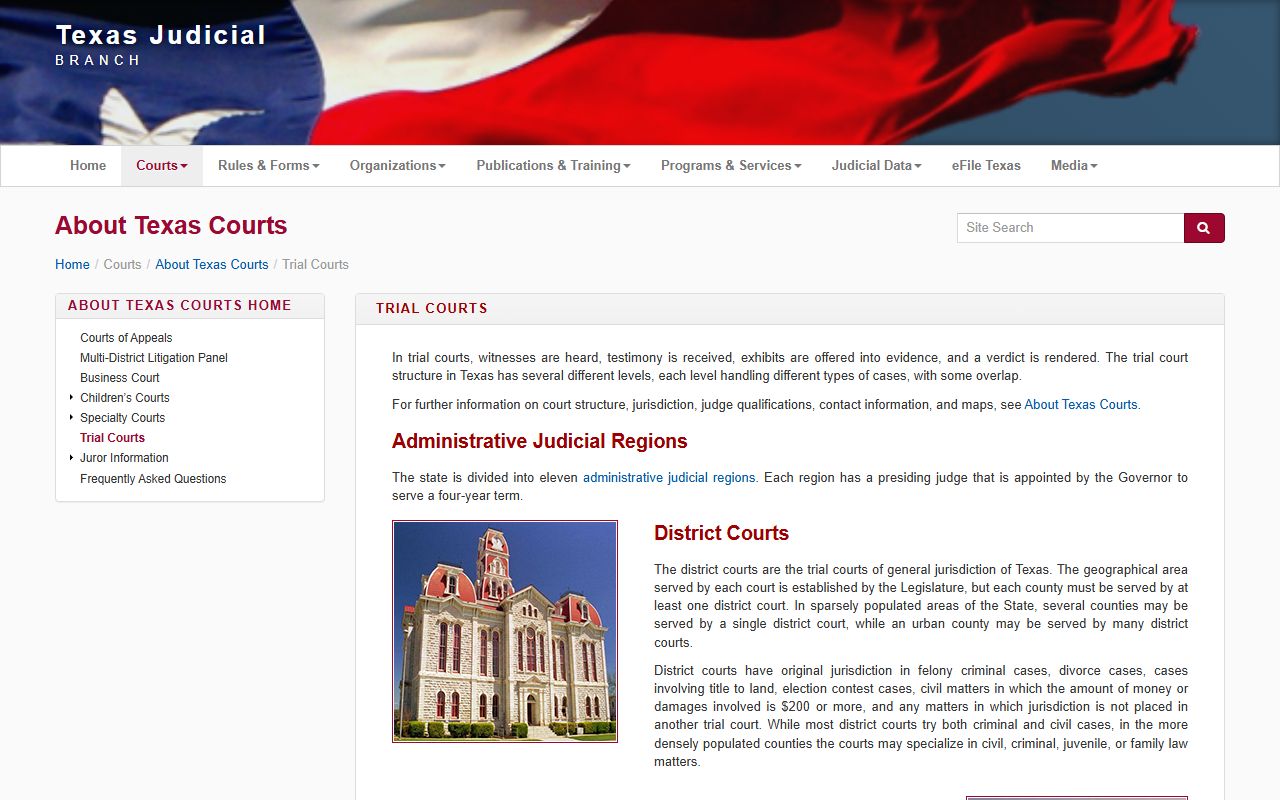
You can read it on the Texas trial courts page. Anyone can run a name search.
Note: A free online search is open to anyone, but certified copies for court use carry a per-page fee and must be ordered through the clerk.
Records That Are Sealed or Confidential in Hays County
Some files stay off the public docket. Juvenile records are limited under Texas Family Code Chapter 58. Adoption files are confidential under Chapter 162. Mental health records are protected under Health and Safety Code Chapter 611. Records cleared by an expunction under Code of Criminal Procedure Chapter 55 drop out of public access, and an order of nondisclosure hides eligible records from most searches.
To view a sealed civil file, a person normally files a motion in the court that holds it and shows a legal reason. The clerk cannot open a sealed record on request. The state judicial branch also answers common access questions for the public.
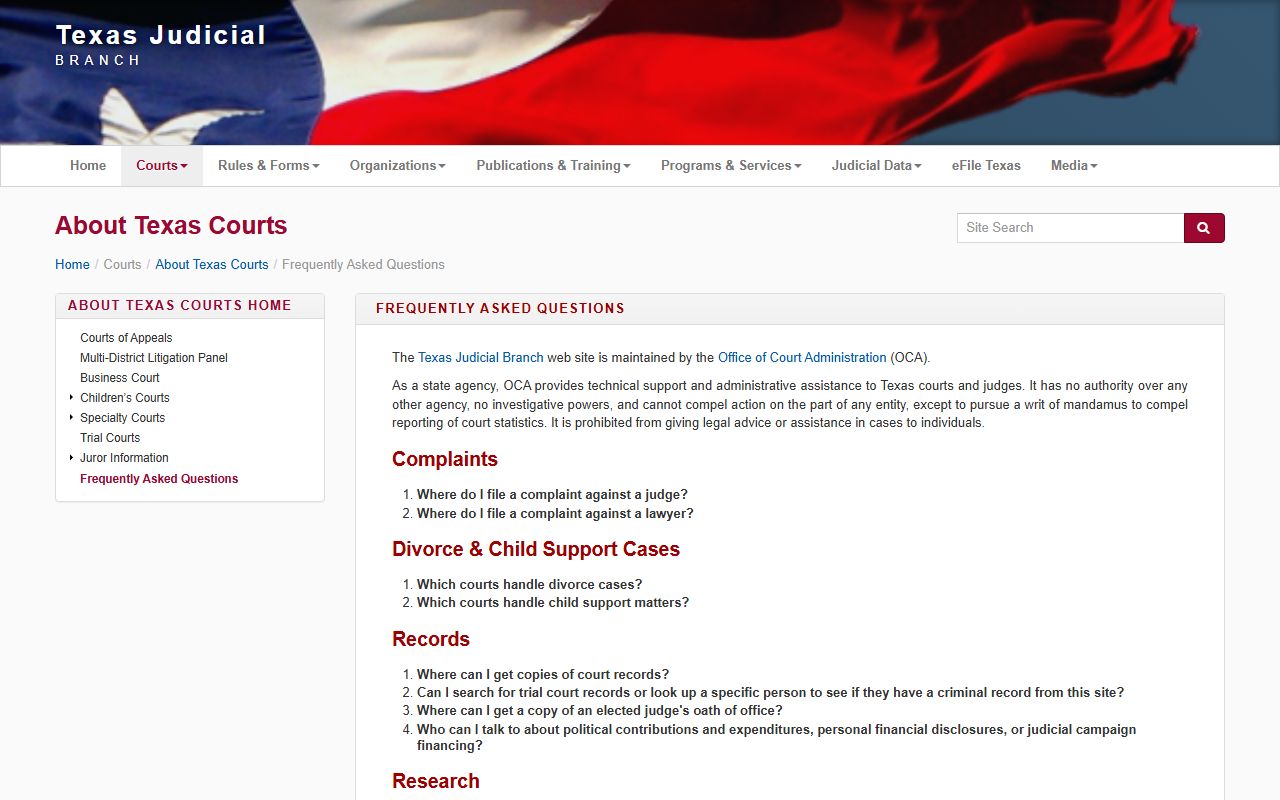
Those answers sit on the Texas courts FAQ page.
In-Person and Mail Requests
You can search at public terminals in the District Clerk reception area during business hours. Staff will also search civil and criminal records for the past 10 years for $5.00 per name and ask you to allow five business days. For copies, you email the office for a quote, pay in advance, and the office mails or emails the result. The District Court judges and staff page lists court coordinators by name.
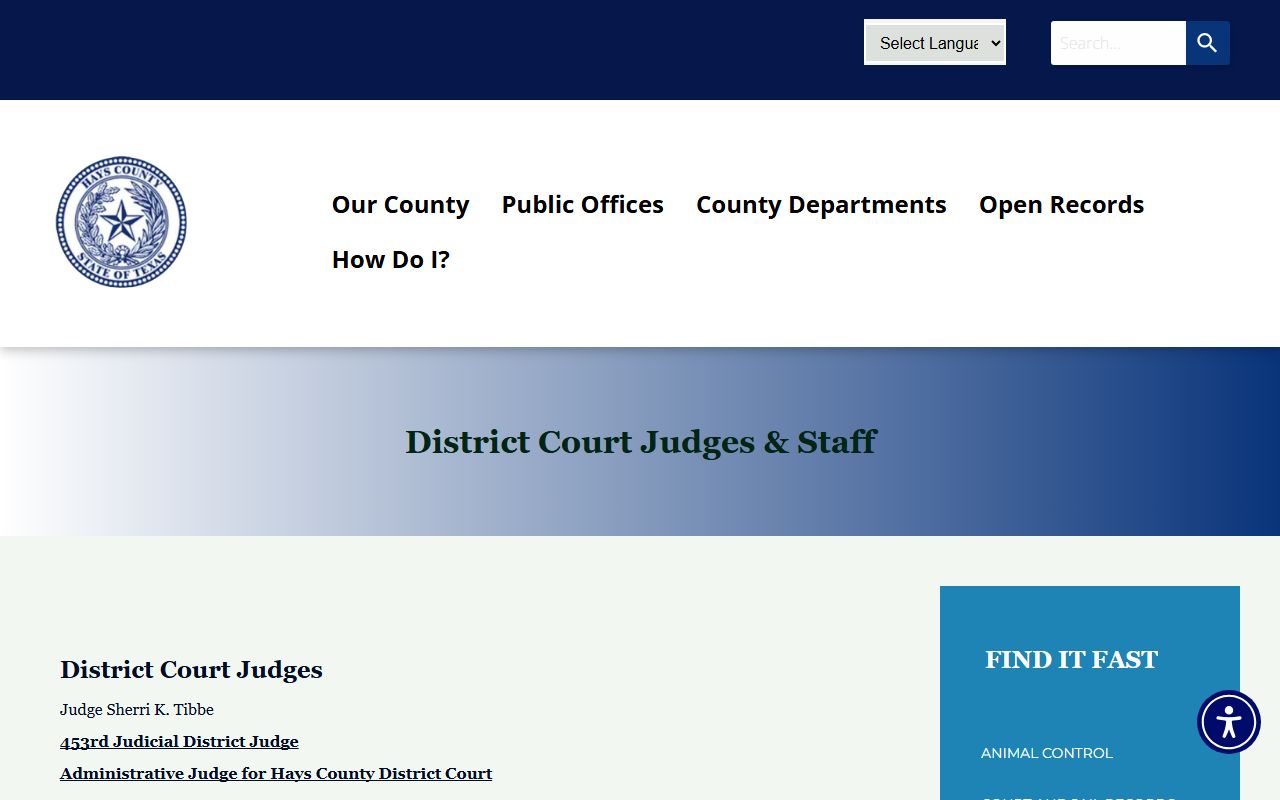
Those contacts appear on the District Court judges and staff page.
Mail requests go to the District Clerk at the Government Center address. Online requesters email the office for a fee quote, then pay by card on Certified Payments using bureau code 5779509. After the office confirms payment, it mails or emails a search certificate, usually within 24 hours, and mails copies within two working days. Electronic copies run $1.00 for the first 10 pages and $0.10 for each page after that. Certified copies cost $1.00 per page, and an embossed seal adds $5.00. Payment always comes before the work.
Hays County District Clerk
Suite 2211, 712 S. Stagecoach Trail
San Marcos, TX 78666
512-393-7660
distclerk@hayscountytx.gov
Mon-Fri lobby 8:00 a.m. to 4:00 p.m.
Searching the Hays County Court Calendar
The same portal holds a Court Calendar search. It is the fastest way to find a hearing date when you do not have the cause number. You can search the calendar by attorney, by case, by judicial officer, by party or defendant name, or by a date range. The judicial officer list carries current and past Hays County judges, so you can pull a single court's settings for a given week.
The Court Calendar search form is shown here.
You can open it from the Odyssey court calendar search. The calendar shows the setting, but a docket sheet shows the full event history, so use both. For a deeper look at docket sheets, see the Hays County court dockets page.
One practical tip helps with name searches. The portal uses Soundex by default, which catches names that sound alike but are spelled differently. If you get too many hits, switch on exact match. If you get too few, leave Soundex on and try a shorter last name. The County Clerk self-service site gives the same advice for property records: search every spelling you can think of.